
The forgotten page on your site

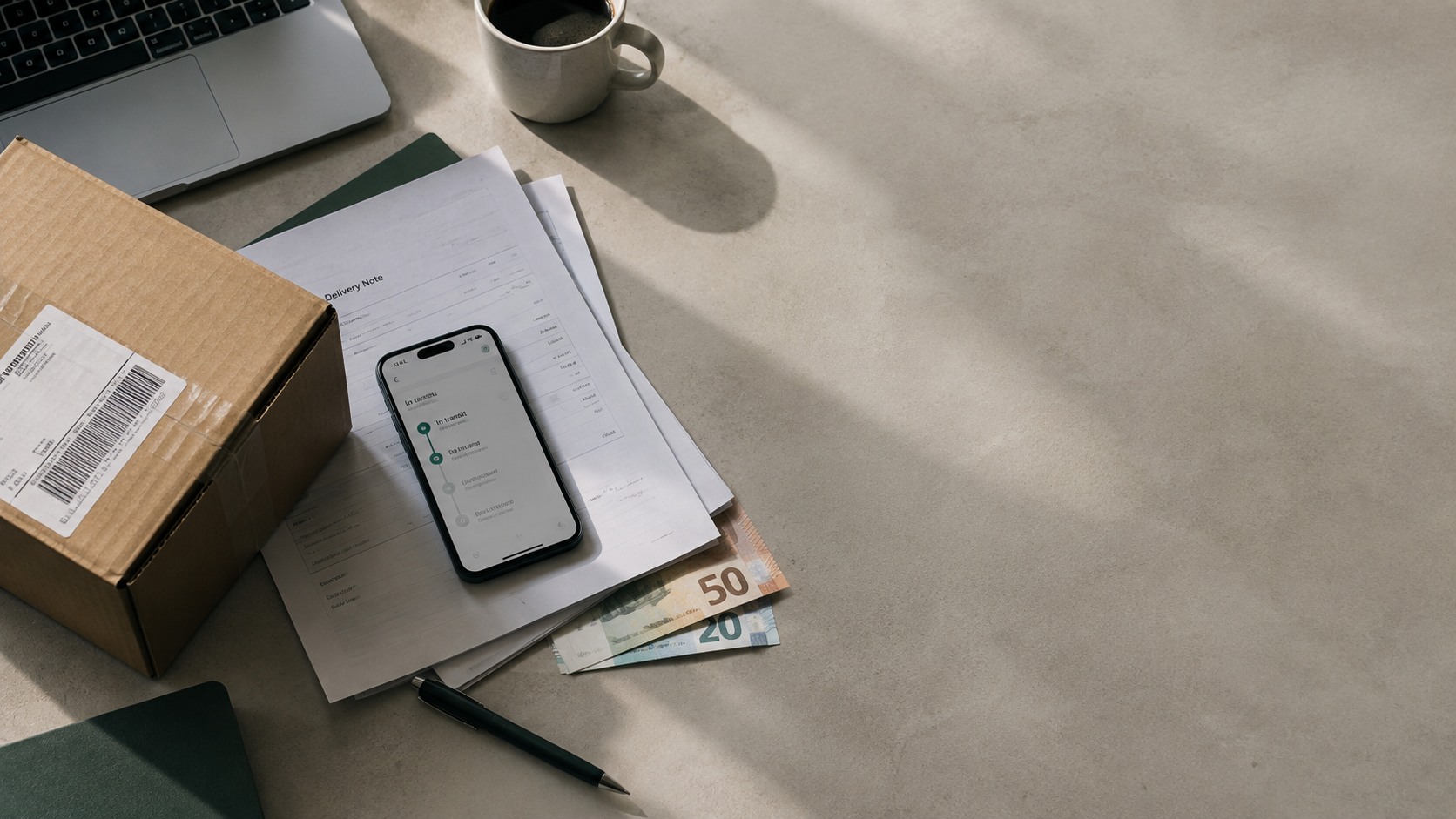
The moment a customer buys from your shop, one of its most important pages comes into play: the order tracking page. And while knowing where their order is matters a great deal to your customer, it isn't equally relevant to every brand. In fact, plenty of ecommerce businesses don't know that page is theirs.
Nobody comes back to your shop as often as someone waiting on an order
Think about how many times someone has visited your site this week to browse your catalogue. Now think about how many times someone who has already bought from you has gone in while waiting to receive their order.
That customer isn't there out of curiosity. Ofcom, the body that regulates parcel deliveries in the UK, publishes annual research into how people get on with their deliveries. In the latest edition, more than two thirds of shoppers said they'd had a problem with a delivery in the past six months. The most common one? A delay.
So when someone opens your tracking page, what they're doing is checking they aren't one of the people with a problem.
On Black Friday that traffic multiplies, because there are far more parcels in transit than at any other point in the year. More orders means more people waiting. And more people waiting means more visits to that page. And if the page doesn't hold all the information, those unanswered visits are most likely to turn into questions for your customer service team. And if those questions don't get a quick answer, that gap in information becomes the thing that ruins your customer's experience.
It's the only page on your site where you don't have to fight for attention, because you already have it.
The moment your customer looks at you most
Between someone paying for their order and receiving it, there are a few days where they've spent the money but have nothing to show for it yet. They've put their trust in the brand and they're waiting to receive their order within the window they were promised.
That directly affects how they read everything that lands in their inbox from you during those days. If you send them a Black Friday promotional email, they'll open it thinking it's about their order. And they'll feel a small pang of disappointment.
On the tracking page it works the other way round. The customer goes in looking for what they want to know and, alongside that information, they also come across new products or promotions, naturally and without any sense of intrusion.
Shopify recommends customising that page with the shop's own brand identity, logo and colours, because it signals that the customer is still with the shop rather than on an external page like the carrier's.
How to customise your tracking page and make it yours
Before looking at what you can customise on it, it's worth knowing what happens if you don't.
The customer gets the confirmation email, clicks on the tracking number and lands on the carrier's page. From there you lose three things.
- The visit. That person is no longer on your site, they're on the carrier's, tracking an order they bought from you.
- The information. You don't know how many people check their order, how often they do it or what they look at afterwards. All of that behaviour belongs to the carrier.
- And control of the message. If the shipment is delayed, the customer reads whatever explanation the carrier gives them (if it gives them one at all). You don't decide what they see or when.
Bear in mind that, generally, the customer doesn't distinguish between one site and another. If the page is confusing or the delivery goes badly, it's your brand that takes the hit, not the delivery company.
To customise your tracking page, the setup works in blocks, like any other page on your site. Below we've broken down the four most relevant areas to work on.
How to tell whether your tracking page is working
The good thing about this page is that the results it generates can be measured, and you don't need to set up anything complicated. Three figures will give you a fairly clear picture.
- How many people go in. Divide the visits your tracking page receives by the orders you've shipped and you'll know what share of your customers is passing through there.
- How many click on the page's CTAs. If you have a banner or a recommendation, the clicks tell you directly whether it interests anyone or not.
- Whether those who pass through the page buy again more than those who don't. A harder figure to get at, but a hugely relevant one for understanding repeat purchase and customer experience.
What happens when nothing happens
An order stops updating. It hasn't been lost and it hasn't arrived broken, it just hasn't left the warehouse in three days. Nothing flags it, because technically nothing has gone wrong.
And that's where the customer decides whether they write to you annoyed or not.
Most tools that let you customise tracking pages send automated emails when something happens: it's shipped, it's out for delivery, it's been delivered. So generally, if the order doesn't move, the customer hears nothing about it. They go to the page, see the same status as two days ago and end up writing to customer service.
What changes that situation is getting ahead of that message to customer service and telling them proactively, before they go looking. Even just to say the order is being looked into, because having the brand tell you it's delayed shows transparency and builds more trust with the customer, even though the facts haven't changed.
And there's a figure from Ofcom that bears this out: overall satisfaction with deliveries in the UK sits at 78%, but among people who have had to contact the brand about a problem it drops to 38%.
So the moment the customer has to write to the brand is exactly the moment you lose them.
How to customise your tracking page depending on what you sell
The page is the same, but what makes sense to add to it changes quite a bit depending on your category.
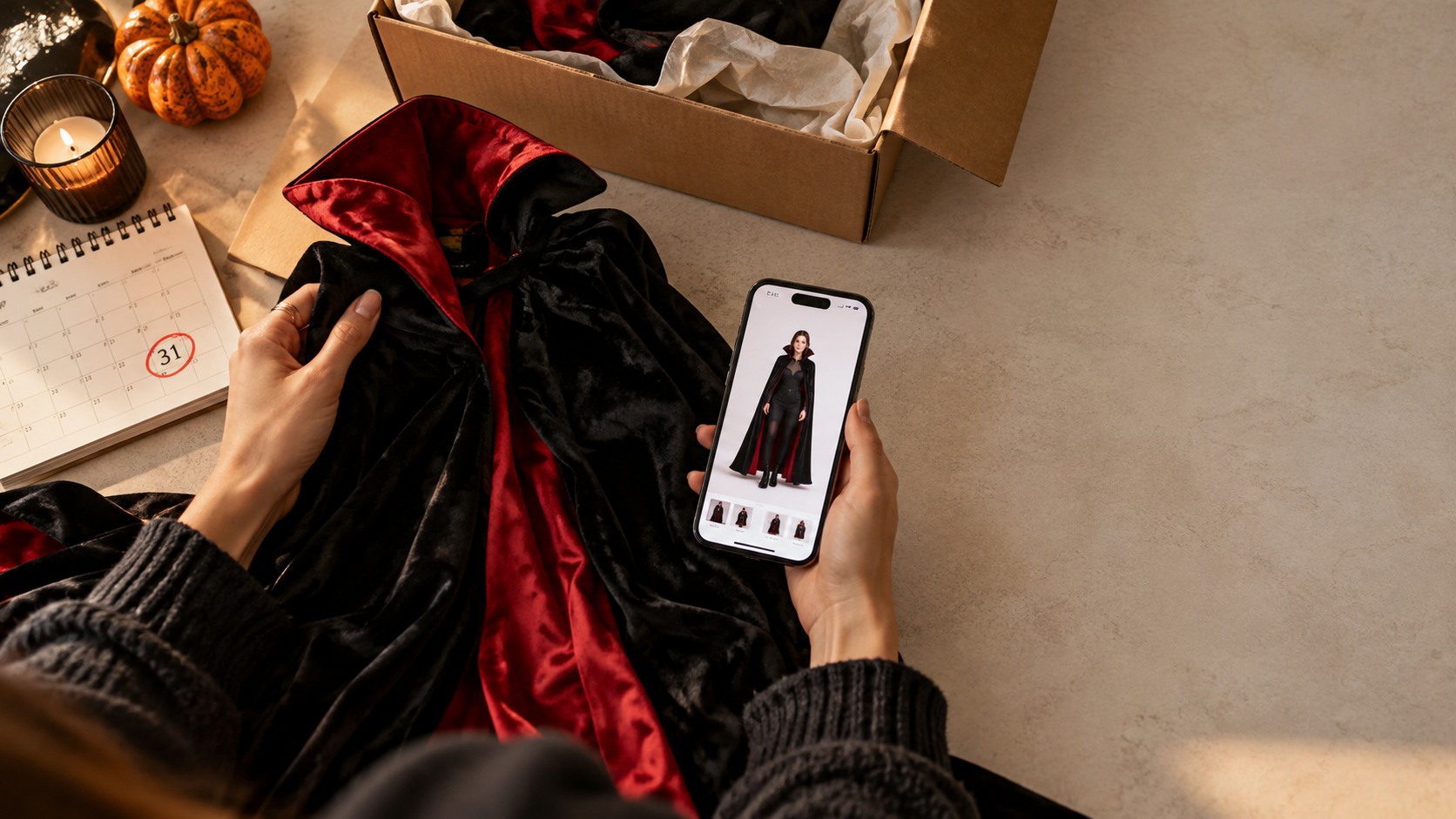
In fashion, the customer's doubt while they wait is usually sizing. Whether they got it right. Which is why a link to the size guide fits perfectly here, along with a clearly visible exchange and returns policy, and recommendations for pieces that go with what they've already bought.
And if the shipment is delayed, telling them early matters more than in any other category, because a lot of clothing is bought for a specific occasion: a wedding, a birthday, New Year's Eve. If it arrives late, it no longer matters when it arrives.
In electronics the doubts are different. The customer has spent considerably more, the product can take longer to arrive and what they want to know is that it's on its way and hasn't gone missing.
Here it works better to spell out the status clearly, make the estimated date easy to see, and recommend accessories that complete the purchase: the case, the charger, the extended warranty. The returns window is also worth keeping visible, because on more expensive products it's the first thing people check.
Why customise the page now and not in November
Because in November there's no time left to get anything ready.
There are five and a half weeks until Black Friday. Enough to get the page ready, decide which banner is running and for how long, and check it all looks right before the volume arrives.
That's exactly what Smart Tracking does: the page is customised in blocks from the dashboard, the same way you launch any other page on your site. You choose who sees it and for how long, and you change it yourself whenever you want, with complete independence to adjust it to what you need.
Smart Tracking goes further than just telling your customer the status or location of their order. It becomes another asset for your marketing campaigns, an additional surface you can customise to drive new sales from a customer you already have. The result? No new acquisition cost, a higher repeat purchase rate and a better customer experience.
Black Friday is just around the corner. Then comes Christmas. And after that, the sales. There's still time to customise your order tracking page and turn it into one more asset in your marketing campaigns.
Frequently asked questions
Can you customise the tracking page?
It depends on the tool. The pages that come as standard with ecommerce platforms tend to be fixed and don't let you add banners or recommendations. With Smart Tracking the page is customised in blocks and changed from the dashboard, like any other page on your site.
How do I make the most of my tracking page on Black Friday?
By getting it ready beforehand. A banner with the campaign dates, recommendations based on what the customer has just bought and, if it makes sense, a countdown block. All of it set up in advance, so you don't have to touch anything during the busiest week.
What happens if an order gets stuck and the customer doesn't know?
They end up writing to customer service. Most tools only send emails when something happens, so if the order doesn't move the customer hears nothing. With time-based alerts you can set an email to go out when an order has gone three days without being dispatched, before the customer asks.
What should I measure on my tracking page?
Three things: how many people go in relative to orders shipped, how many click on whatever you've put there, and whether those who pass through the page buy again more than those who don't. It's worth measuring before you change anything so you have something to compare against.

.png)